
Everything you need to keep clean books — tax-ready.
From the receipt, invoice, or bill in your hand to a tidy, tax-ready package. Here’s how TaxReady does it.
Receipts, invoices, bills — our AI reads them all.
Snap a photo or forward a PDF — a store receipt, supplier invoice, or utility bill — and TaxReady extracts the vendor, amount, date, GST/HST and PST, with confidence information where available. The document is stored for processing, but you review the extracted fields before approving the bookkeeping record.
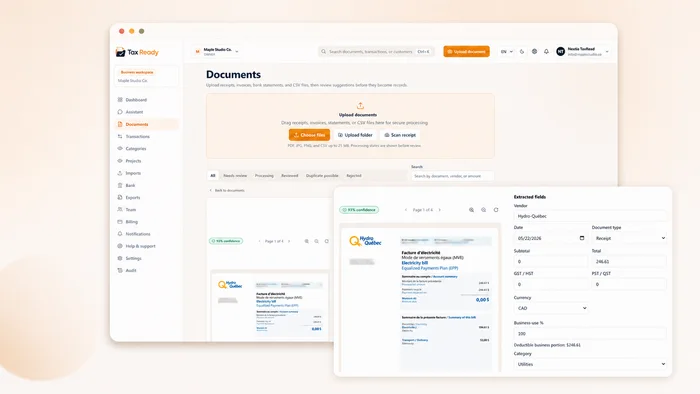
Categorized, with GST/HST and PST tracked.
Every record carries its category and both sales-tax fields — federal GST/HST and provincial PST/QST — kept separate, the way the CRA treats them. Import a CSV or add entries by hand.
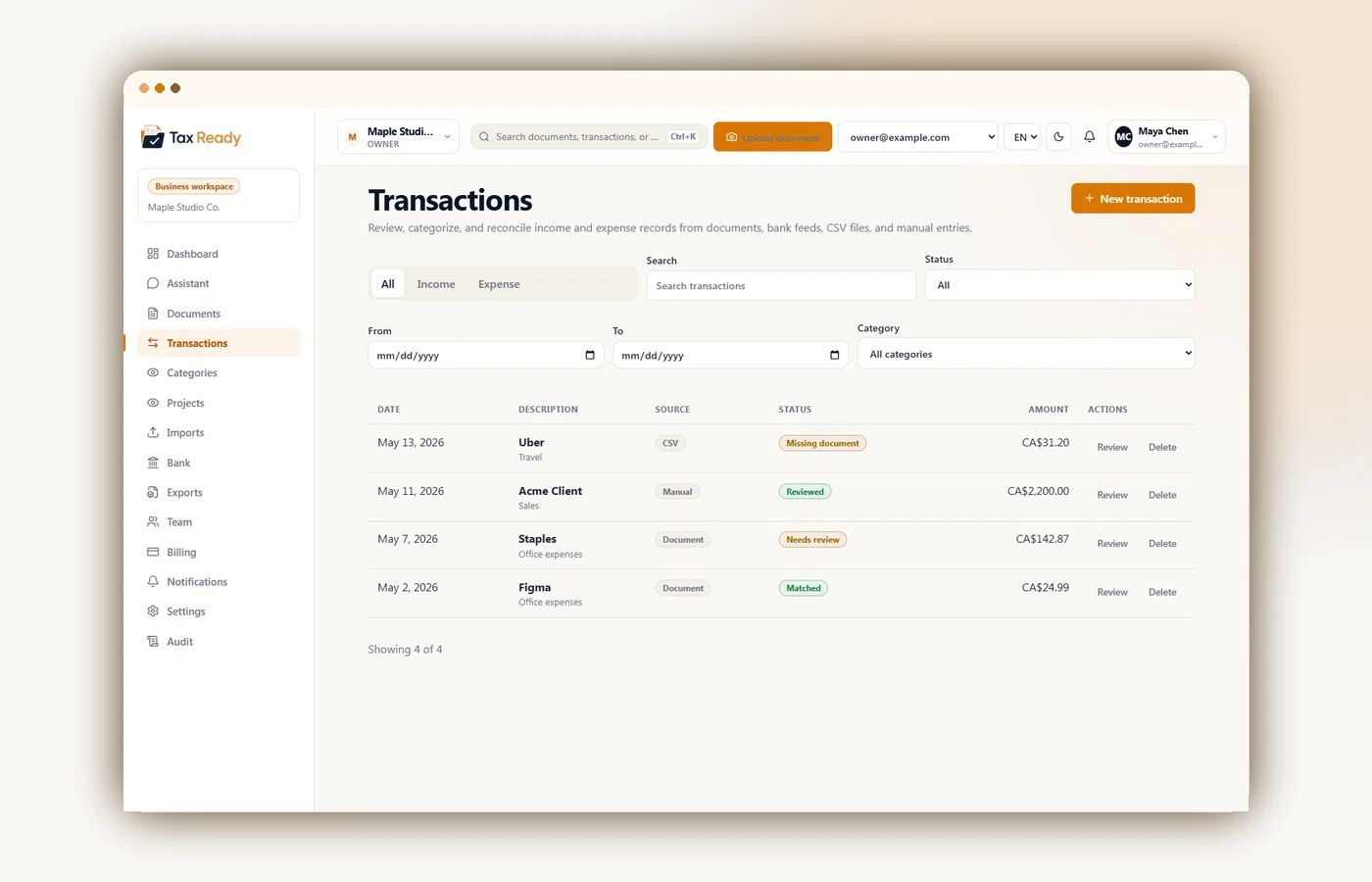
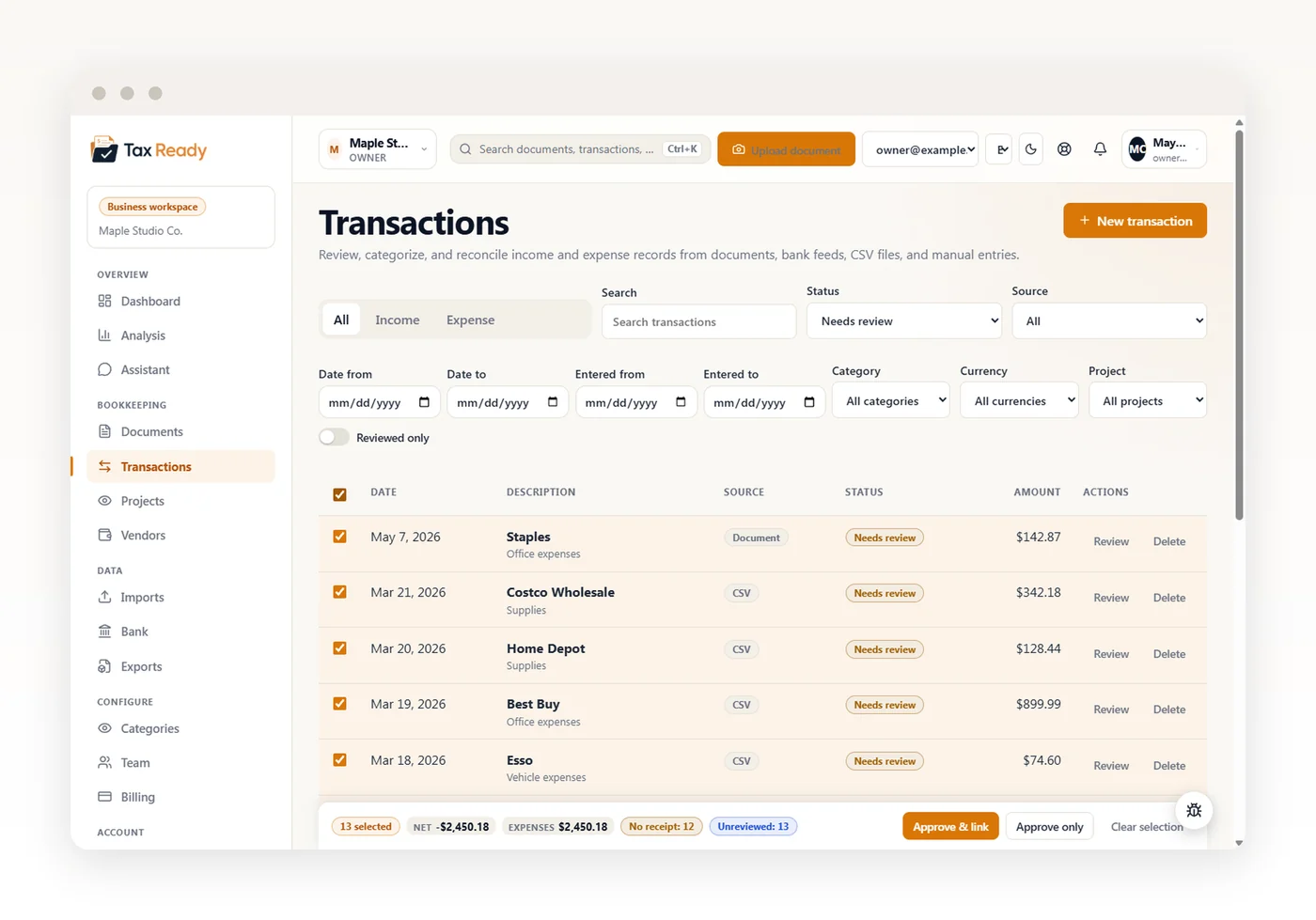
Only what you’ve confirmed counts.
Your dashboards, analysis, and exports show reviewed transactions by default — so the numbers reflect books you’d stand behind, not a half-checked import. Just brought in a big CSV? Filter it, select the rows, and check the running totals for exactly what you picked before you commit. Approve the whole batch in one click — receipts the import carried attach automatically — or flip a toggle to include everything still in the pipeline.
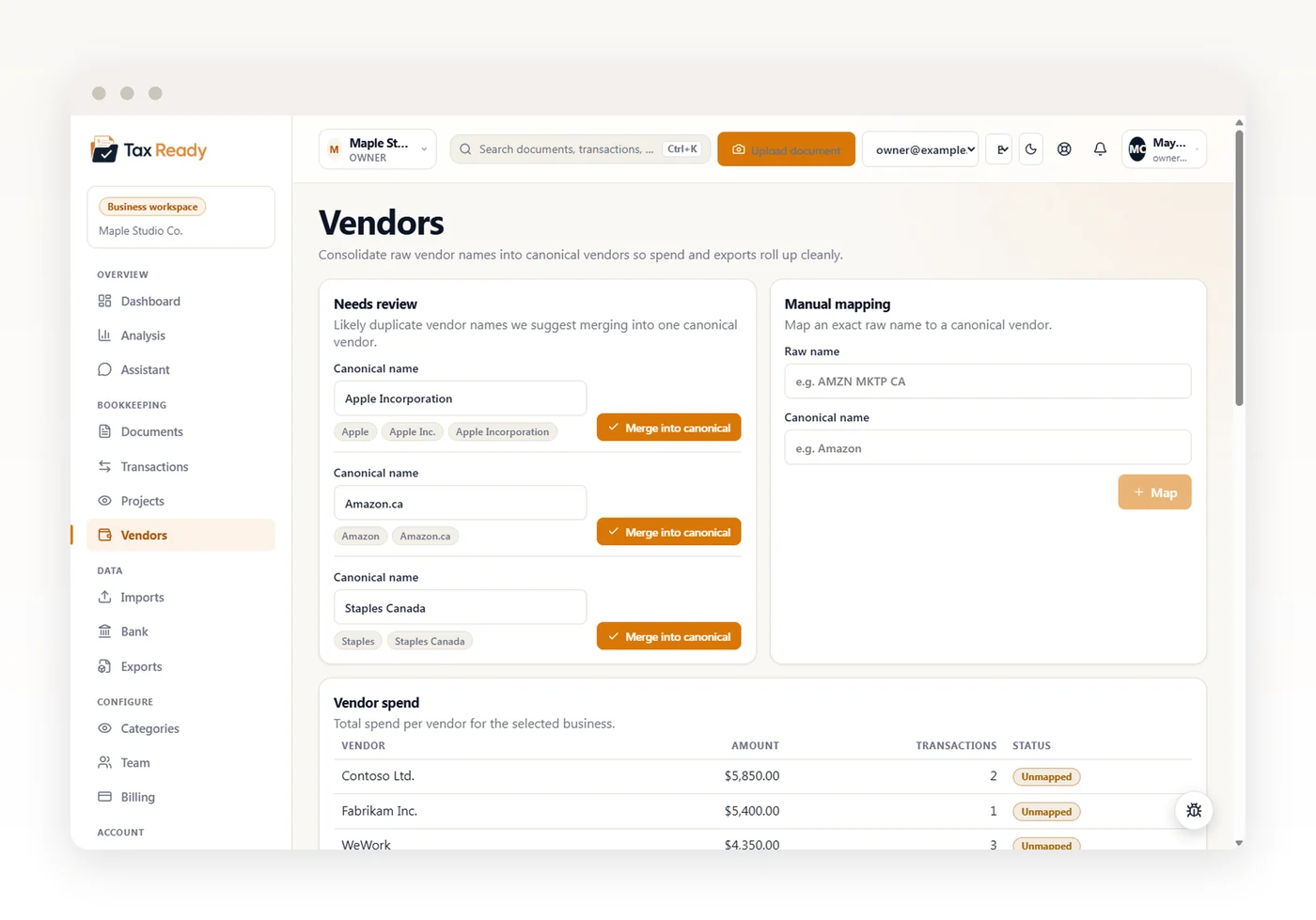
One vendor, no matter how it’s spelled.
“Apple”, “Apple Inc.”, “Apple Incorporation” all belong to the same supplier. TaxReady flags look-alike vendors so you can merge them into one — or map any name to a canonical vendor by hand, even “14522 Inc.” → “ABC Corporation”. The payoff: real spend-by-vendor totals instead of a figure split across near-duplicates, and exports you can group by vendor or by category.
Ask your books anything — in plain English.
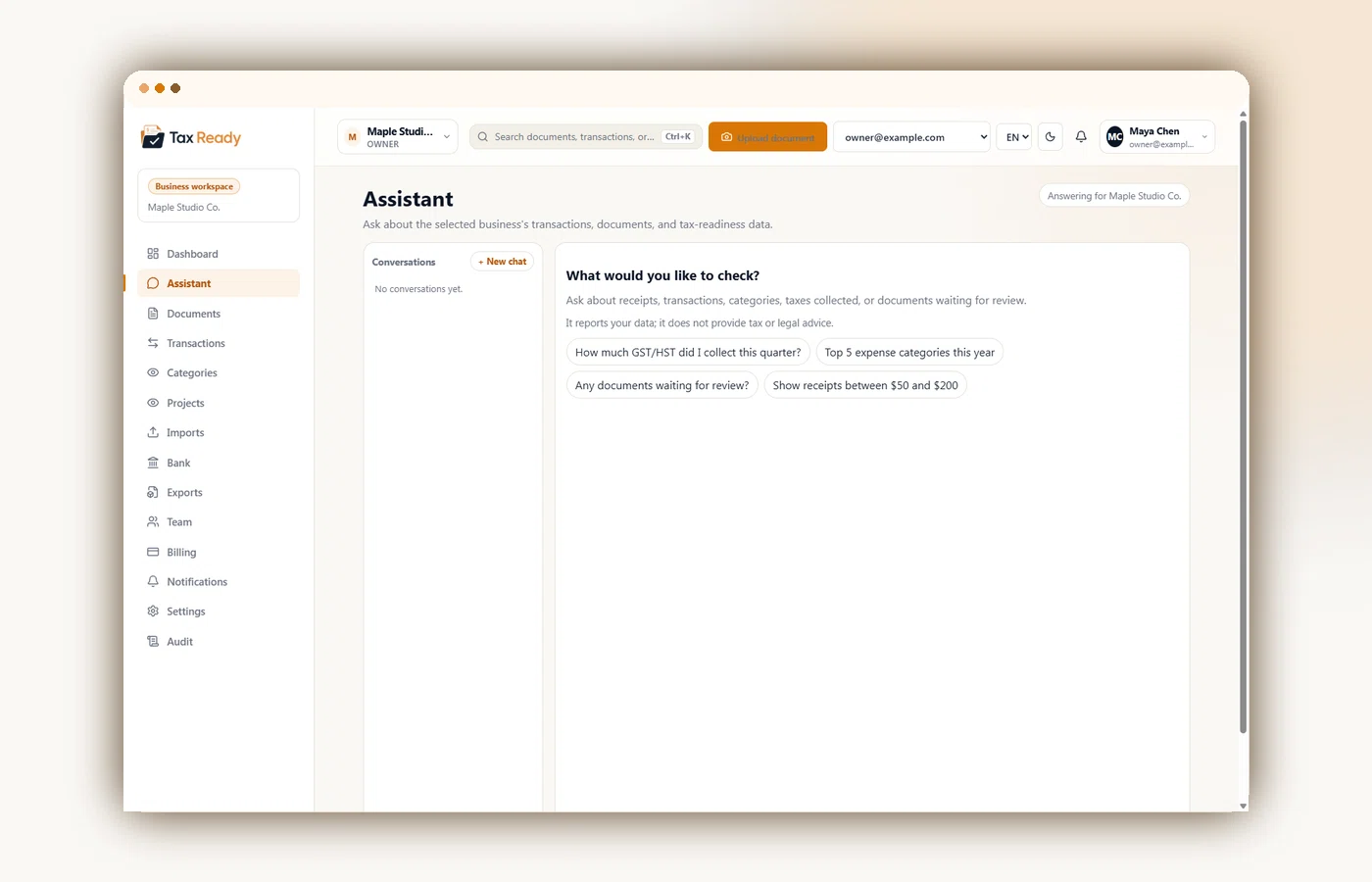
“How much GST did I collect in Q1?” “What did I spend on fuel last month?” Get answers grounded in your TaxReady data, in English or French, with links back to relevant records. AI can still make mistakes: verify important figures. It does not give tax advice or change your records.
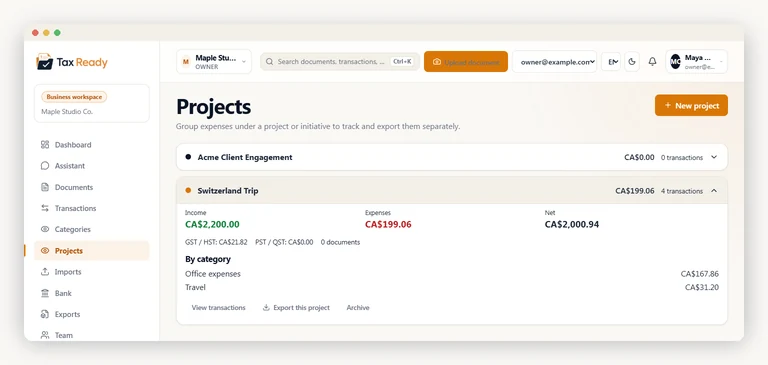
Track expenses by project — or by trip.
Projects are a second dimension alongside categories: a category says what kind of expense it is (the tax view), a project says which initiative it belongs to. Tag a receipt to a client engagement, a conference, or a Switzerland trip and get its own income, expenses, GST/HST and category totals — then export a package for just that project. Optional, so nothing changes if you don’t use it.
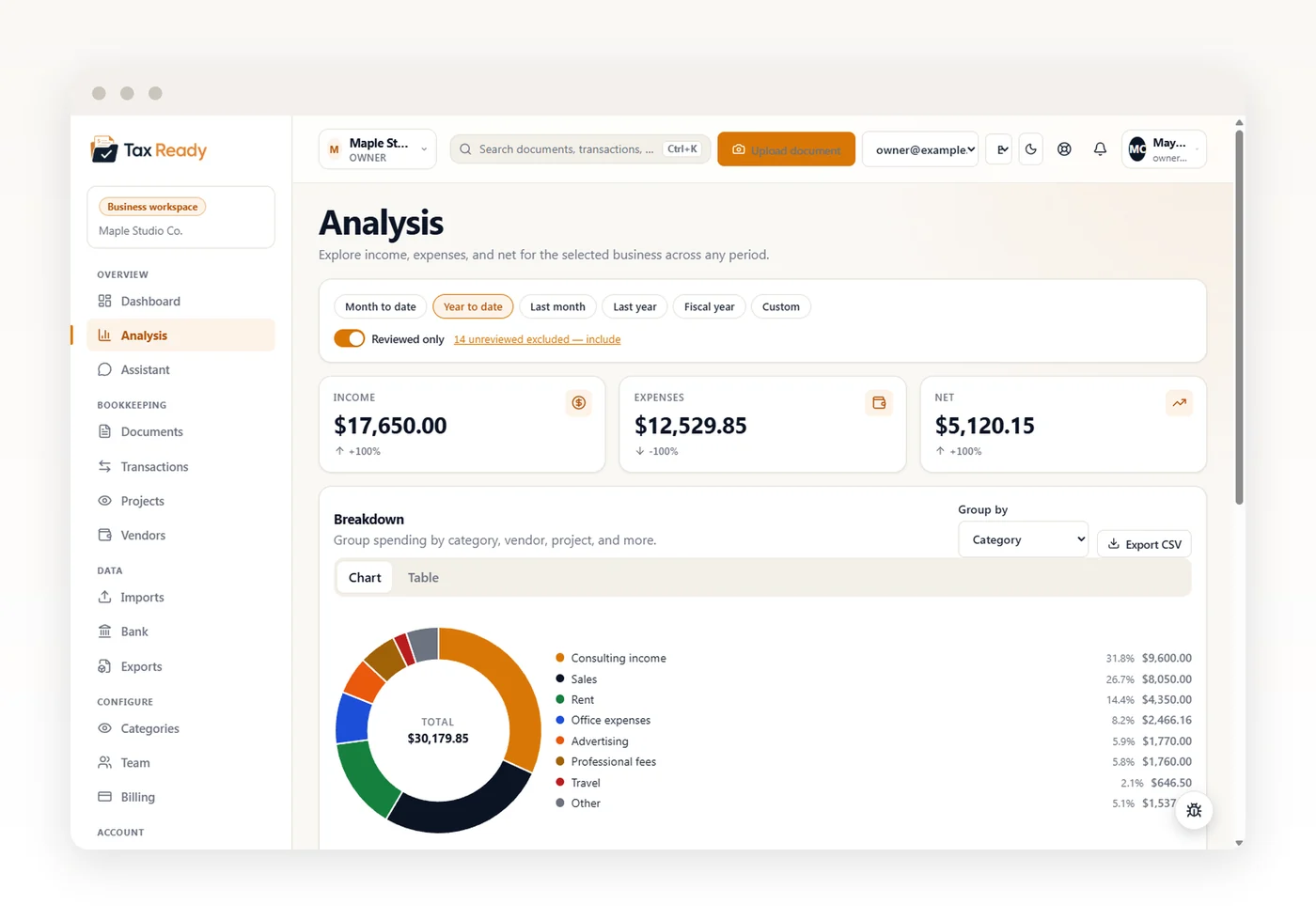
See where the money goes.
Go past the dashboard: compare this month to last or this year to last, and break spending down by category, vendor, project, or day of the week — or pivot it month over month. Switch any view between a chart and a table, then export what you’re looking at. Reserved for owners, admins, and accountants.
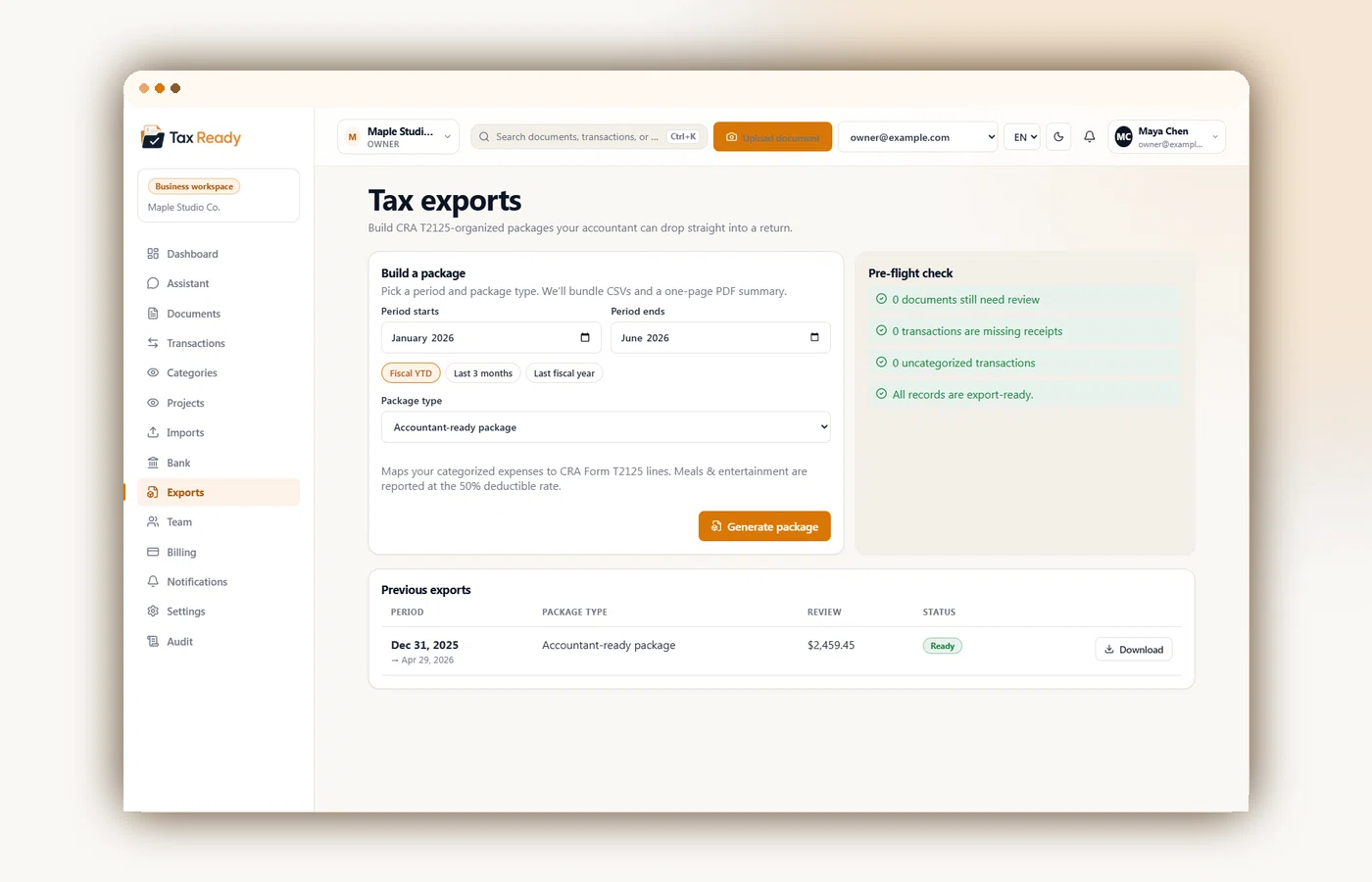
A cleaner T2125 handoff.
Pick a period and TaxReady builds an export organized around T2125 categories, with GST/HST summaries and category breakdowns. A pre-flight check flags records that still need review before you or your accountant uses the package for filing.
Automatic transactions — coming soon.
Bank connections via Plaid are on the way. When they land, we’ll never see your bank login — Plaid holds it. Until then, CSV import and manual entry flow through the same review queue.
Coming soon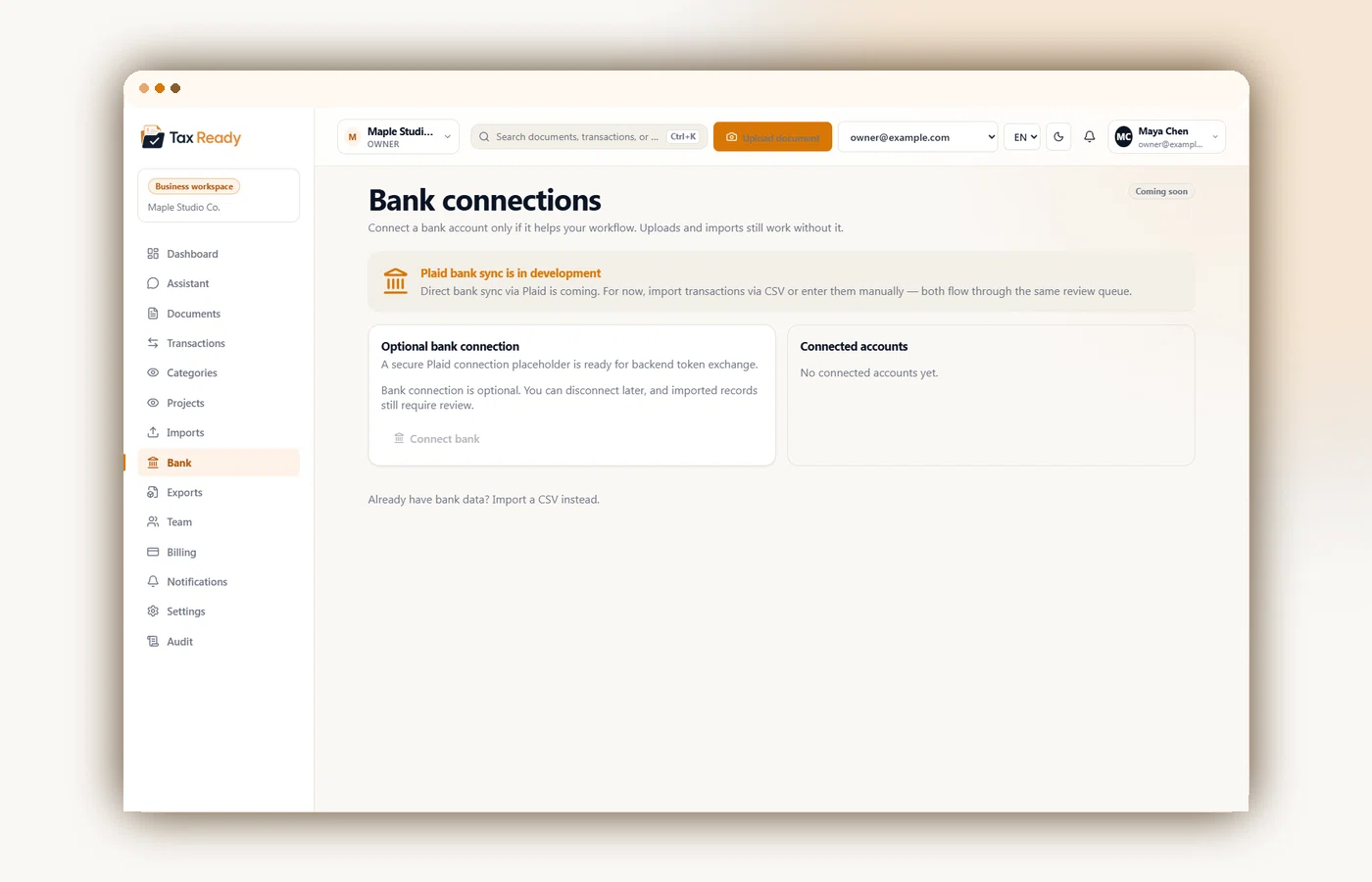
Capture a receipt the second you get it.
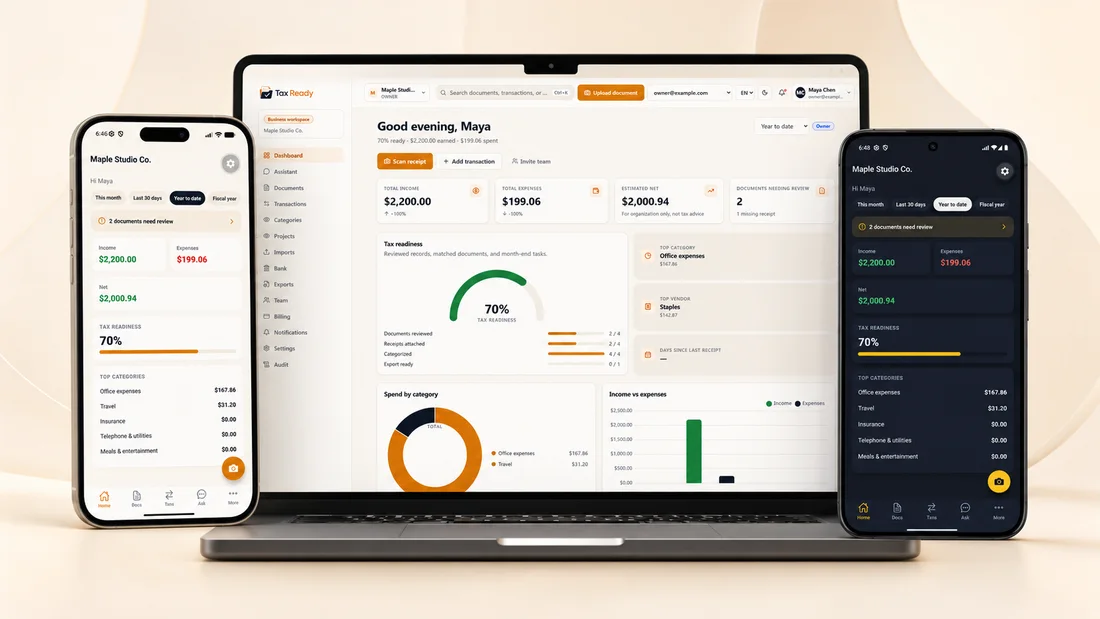
Native iOS and Android apps for capture, glance, approve, and ask — bilingual, with light and dark themes.
Get tax-ready this year.
Start on the free plan. Upgrade only when you need more.
Free forever plan · No card to start · Identity secured by Microsoft Entra